Affiliate disclosure, up front: SmartClean is our own app and links to it earn us money. Links to every other app here earn us nothing. How this works
Phone storage cleaner apps, compared on what actually matters
A storage cleaner is a small piece of software with one job, so the differences between them are boring and practical: how many people have used it, whether anyone still maintains it, and how much room it takes before it gives any back. We ranked on exactly those, and we show the numbers so you can disagree with us.
How we picked
We did not install these apps on a test phone. Everything below comes from Apple's public App Store catalogue, read on 7 August 2026, plus what the developers themselves publish. Where we do not know something, we say so instead of guessing.
We ranked on four things, in this order:
- Track record. How many people have rated it, and what the score is. A 4.8 from 200 people tells you far less than a 4.5 from 300,000.
- Does it fit. The download size. A cleaner that needs 166 MB free is useless on the phone that needs it most.
- Which phones it supports. The minimum iOS version, which decides whether an older iPhone can install it at all.
- Is it maintained. When it was last updated. Storage tools break quietly when iOS moves on.
What we deliberately did not rank on: the feature list. Every app here claims roughly the same features, and we have no way to verify them from the outside.
The picks

693,974 ratings at 4.66 is the longest track record here by a wide margin, and it was updated on 2026-07-27. The catch is size: it needs 166 MB free before it frees anything.

At 36 MB it is a fraction of everything else, and it holds the highest score on the page (4.81). It is also the narrowest: it sorts photos and does not touch videos, mail or contacts.

This one is ours, and it wins this slot for a boring reason: it is the only app on this page that runs on iOS 13, so it installs on an iPhone 6s or 7. Everything else needs iOS 14 or newer. It is also 51 MB. What it does not have is a track record — 32 ratings against hundreds of thousands.
346,940 ratings, 147 MB, needs iOS 15.0.
148,614 ratings, 161 MB, needs iOS 16.0. Worth knowing: iOS 16 rules out the iPhone 7 and everything older, which is often exactly the phone with no space left.

67,139 ratings, 150 MB, needs iOS 15.0.
What they look like
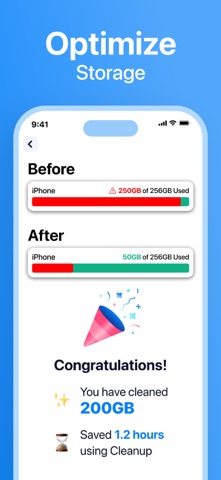
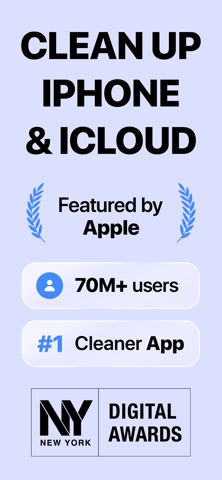
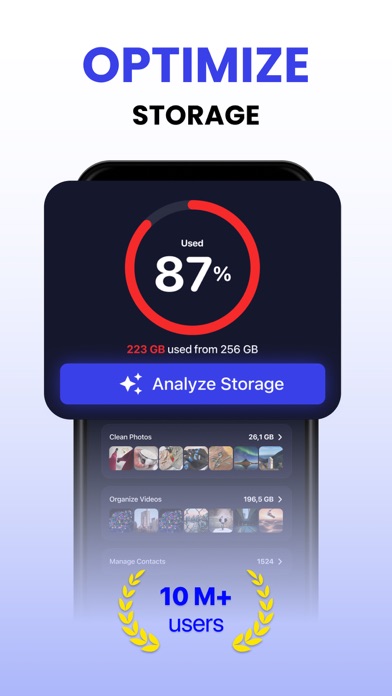
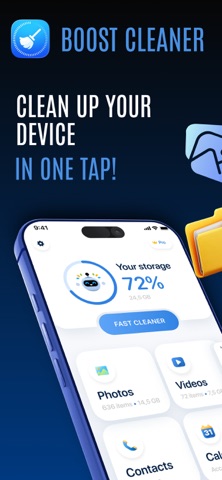
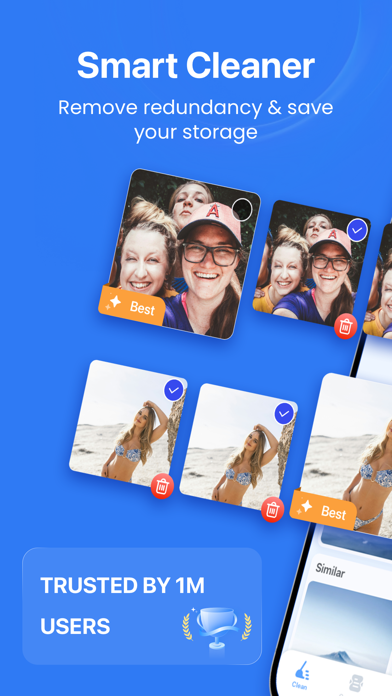
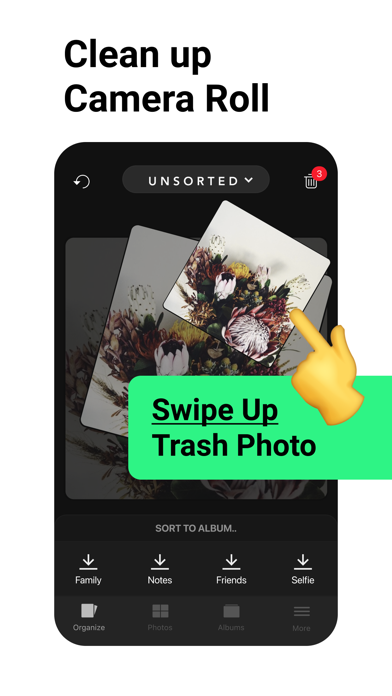
All seven, side by side
| App | Ratings | Score | Size | Min iOS | Note |
|---|---|---|---|---|---|
| Cleanup | 693,974 | 4.66 | 166 MB | 15.0 | — |
| Cleaner Kit | 346,940 | 4.44 | 147 MB | 15.0 | — |
| Cleaner Guru | 148,614 | 4.52 | 161 MB | 16.0 | iOS 16 locks out older phones |
| Boost Cleaner | 67,139 | 4.55 | 150 MB | 15.0 | — |
 Smart Cleaner Smart Cleaner | 20,023 | 4.57 | 116 MB | 14.0 | not updated since 2026-01-15 |
| Slidebox | 16,361 | 4.81 | 36 MB | 15.0 | photos only |
| SmartClean (ours) | 32 | 4.30 | 51 MB | 13.0 | only one running iOS 13 |
Ratings and sizes read from Apple's public App Store catalogue on 7 August 2026. We re-check monthly.
Pick by your situation
Most cleaners here need 116 to 166 MB free just to install. If you are under 300 MB, start with the smallest one you can get: Slidebox at 36 MB if your problem is photos, or SmartClean at 51 MB if you want the wider cleanup. Free some space first, then install a bigger one if you still need it.
These phones cannot run iOS 16, so Cleaner Guru is out. Smart Cleaner works from iOS 14, ours from iOS 13. Check Settings → General → About to see what you are on.
This is the most common case and every app here handles it. Take the one with the longest track record, which is Cleanup, unless size is a problem for you.
Then a photo-only tool will not help. You want one that compresses or surfaces large video files. Slidebox will not do it; the bigger cleaners will.
Questions people ask
Do these apps actually free up space, or is it a trick?
They free real space, because all they do is find files and delete them with your confirmation. What none of them can do is recover space iOS reports as "System" or "Other". If that is most of your usage, no cleaner will help and the fix is a backup and restore.
Is it safe to let an app delete my photos?
Deletion goes through the normal iOS photo library, so deleted items land in Recently Deleted for 30 days. The real risk is not malware, it is you confirming a batch without looking. Review the selection every time.
Why is a cleaner 160 MB?
Because the on-device comparison of photos ships as part of the app. It is a genuine trade-off, not padding: more capability means more code, and more code means you need more free space before you can start.
Are the free versions really free?
The downloads are. Full cleanup needs a subscription in every case here. Apple does not publish subscription prices in the catalogue, so we do not quote them. Check the price on the subscription screen before you agree.
Which one is best?
On track record, Cleanup. On size, Slidebox. On old iPhones, ours. There is no single answer, which is why the table above shows the numbers rather than a score we invented.